

For two years, if you wanted an AI living inside Outlook, you had exactly one choice: Microsoft Copilot. As of May 7, 2026, you have two. Claude for Outlook entered public beta that day, and it’s the first thing that’s made the Outlook AI question an actual question.
So which one belongs in your inbox? The honest answer depends less on which AI is “smarter” and more on a boring question about your company’s plumbing. Let’s walk through it.
What each one actually is
This is the difference that drives everything else, so it’s worth getting right.
Microsoft Copilot for Outlook is native. It’s built into Outlook by Microsoft. It runs inside the app, it can make changes directly — send an email, schedule a meeting, create a document — and whatever it produces lands in SharePoint or OneDrive as a proper versioned file your colleagues can see.
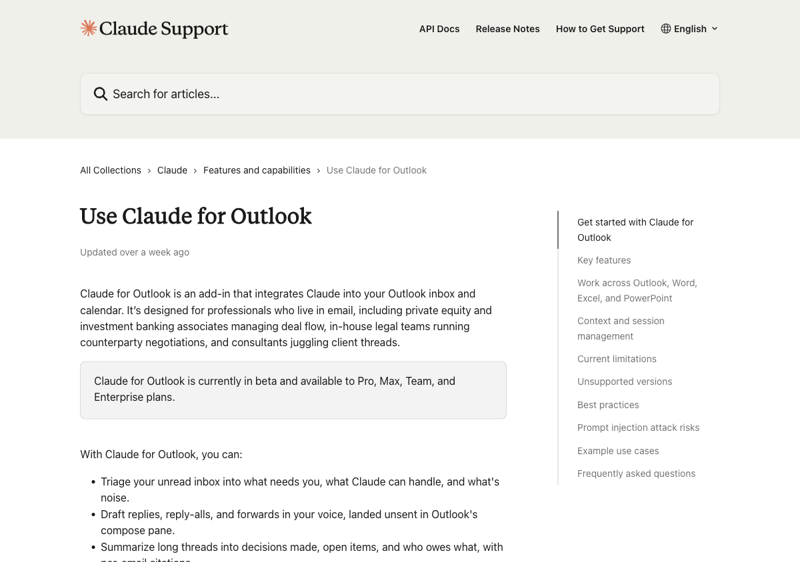
Claude for Outlook is an add-in. Anthropic builds it; it rides on top of Outlook through Microsoft’s official connector system. It shows up as a sidebar panel. It reads your mail and drafts responses, but during the beta it’s read-only — it can’t send anything on its own. It queues drafts for you to approve.
Native versus add-in. Hold onto that. It explains almost every difference below.
The comparison, feature by feature
| Claude for Outlook | Microsoft 365 Copilot | |
|---|---|---|
| Status | Public beta (May 2026) | Generally available |
| Pricing | Needs a paid Claude plan (Pro from $20/user/mo) | $30/user/mo enterprise; $21/user/mo for businesses under 300 staff |
| Can it send/schedule for you? | No — drafts and queues only | Yes — acts directly in-canvas |
| Inbox triage | Yes — sorts into action / handle / noise | Yes — flags priority mail |
| Long-thread summaries | Strong — large context window, cites messages | Good |
| Cross-app context | Carries one conversation across Outlook, Word, Excel, PowerPoint | Within the Microsoft suite |
| Teams | None | Meeting recaps, chat summaries |
| Org knowledge | Your mailbox and calendar | Org chart, SharePoint docs, company acronyms |
| Audit trail | Anthropic-side logging + Microsoft 365 audit log | Full Microsoft Purview integration |
Where Claude pulls ahead
Claude’s biggest edge is handling long, messy threads. Its context window is large, so when you feed it a 40-message reply-all chain, it holds the whole thing at once and pulls out the decisions, the open questions, and who owes what — with citations back to specific messages. People who’ve run both side by side tend to say the same thing: Copilot is fine for a quick draft, but ask it to untangle something genuinely complex and it gets thinner.
The second edge is cross-app context. Claude keeps one conversation alive as you move from an email into the Word doc it references, then into the Excel model attached to that. No re-explaining at each step.
And there’s a pricing angle that matters more than it sounds. If your company has Microsoft 365 but never bought the Copilot add-on — which is a lot of companies, because $30 a head adds up fast — Claude for Outlook gives those teams a real AI option for the cost of a Claude subscription. No Microsoft upsell required.
Where Copilot pulls ahead
Copilot can actually do things. It sends, it schedules, it creates — directly. Claude, in beta, only drafts. For some people that approval step is a safety feature. For others it’s friction they don’t want. Depends on your appetite.
Copilot also knows your organization, not just your inbox. As one Microsoft 365 user put it, Copilot can answer “what does this acronym mean” and “where’s that SharePoint doc I can’t find” because it sees the whole tenant — the org chart, the shared drives, the company wiki. Claude sees your mailbox and calendar. That’s it.
Then there’s the governance story, and this is the one your IT department cares about. Copilot rides Microsoft’s full Purview compliance stack — data loss prevention, retention policies, the audit trail your security team already knows. Claude’s connector is genuinely well-built (it’s read-only, uses delegated permissions, and never stores your Microsoft password), but one April 2026 security review still called its permissions list “terribly extensive and guaranteed to give security teams some heartburn.” If you’re in a regulated industry, that sentence is your whole decision.
One more thing in Copilot’s column: Teams. Copilot does meeting recaps and chat summaries across Teams. Claude for Outlook doesn’t touch Teams at all. If your workday lives in meetings, that gap is real. A Microsoft-published case study (HELLENiQ ENERGY) reported staff caught up on missed meetings nearly four times faster with Copilot — though that’s a vendor testimonial, so weigh it as marketing, not gospel.
What this means for you
If your whole company runs on Microsoft 365 — SharePoint, Teams, the works — and IT governance is non-negotiable, Copilot is the safer call. It’s native, it’s compliant, and it already knows your org. Claude would be the second tool, not the first.
If you have Microsoft 365 but skipped the Copilot add-on, Claude for Outlook is the obvious move. You get serious inbox AI without the $30-a-head upgrade. For a small business or a lean team, that’s real money saved.
If your job is wrestling long, complicated email threads — you’re a project manager, an account lead, anyone who lives in reply-all — Claude’s thread synthesis is worth trying on its own merits, even if you also have Copilot.
If you need an AI that takes action, not just drafts, Copilot wins today. Claude’s beta is deliberately hands-off. That’ll likely change, but “likely” isn’t “now.”
If you’re not sure, run both for a week on the same inbox. You’re allowed to. They don’t conflict, and a week of real mail tells you more than any comparison table — including this one.
What neither one fixes
Worth saying plainly: neither tool makes email go away. They both make the sorting faster. The decisions — what to say, what to commit to, which relationships need your actual voice — stay yours.
Both can also be fooled by a malicious email carrying hidden instructions (prompt injection). Both are only as useful as the inbox you point them at. And both still need you to proofread, because an AI that’s wrong in a confident, well-formatted way is its own kind of problem.
The bottom line
This isn’t really “Claude vs Copilot.” It’s “how locked into Microsoft are you, and do you want an AI that drafts or one that acts.”
Deep in the Microsoft world with a strict IT team? Copilot. Have Microsoft 365 but no Copilot license, or you want the strongest long-thread reasoning you can get? Claude for Outlook, today, in beta, is a genuinely good answer.
Whichever you pick, the tool is the easy part. Getting fluent at directing it is the skill. If Microsoft is your world, our Microsoft Copilot course gets you past the basics. If you want to sharpen the writing itself — the part no AI should fully own — the AI email writing course is built for that. And if you’re still deciding which AI to commit to across the board, ChatGPT vs Claude breaks down where each one actually shines.
Pick the plumbing first. The AI part is easier than it looks.