

For years there’s been one thing ChatGPT couldn’t help you with when you were learning a language: actually saying the words. It could explain grammar, build you a vocab list, even hold a written conversation. But pronunciation? You were on your own, guessing at how a French nasal vowel or a Mandarin tone was supposed to sound.
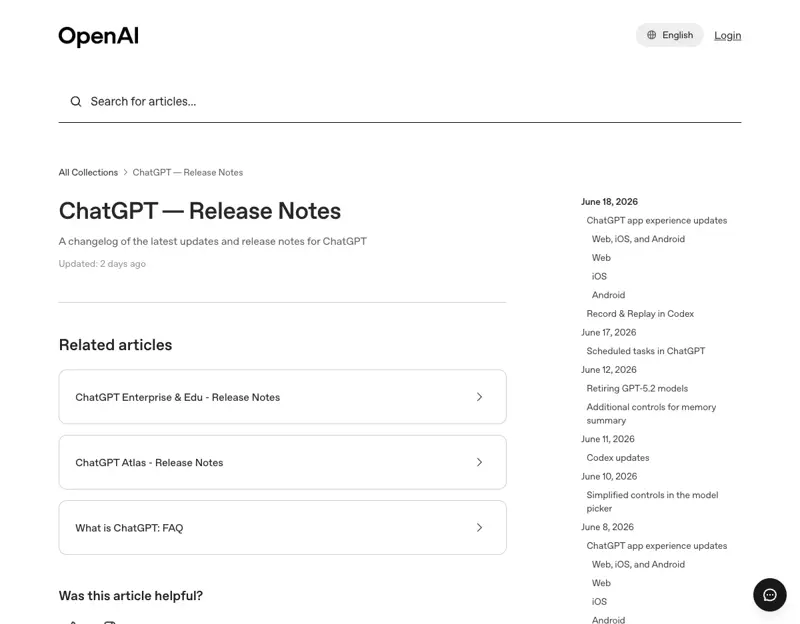
That changed this month. In a quiet June 2026 update, OpenAI added built-in pronunciation help: ask ChatGPT how to say a word in any of 60+ languages and it gives you both a written explanation and playable audio, right there in the chat. Paired with Voice Mode — where you actually talk back and forth — ChatGPT is now something close to a free, always-available speaking partner.
It’s genuinely useful. It’s also the kind of tool that quietly lets you practice your mistakes for months if you don’t know its one big blind spot. Here’s how to use it properly — and where it’ll let you down.
What just changed
Two updates landed close together, and they work well as a pair:
- Pronunciation help (the new one). Ask “How do I pronounce Worcestershire in British English? Include audio,” and ChatGPT replies with a plain-English explanation plus an audio clip you can play. It covers 60+ languages and lives inside a normal chat — no special mode to switch on.
- Better voice input. The app’s microphone now understands 70+ languages, lets you mix languages in one sentence, and auto-detects which language you’re speaking on both iPhone and Android.
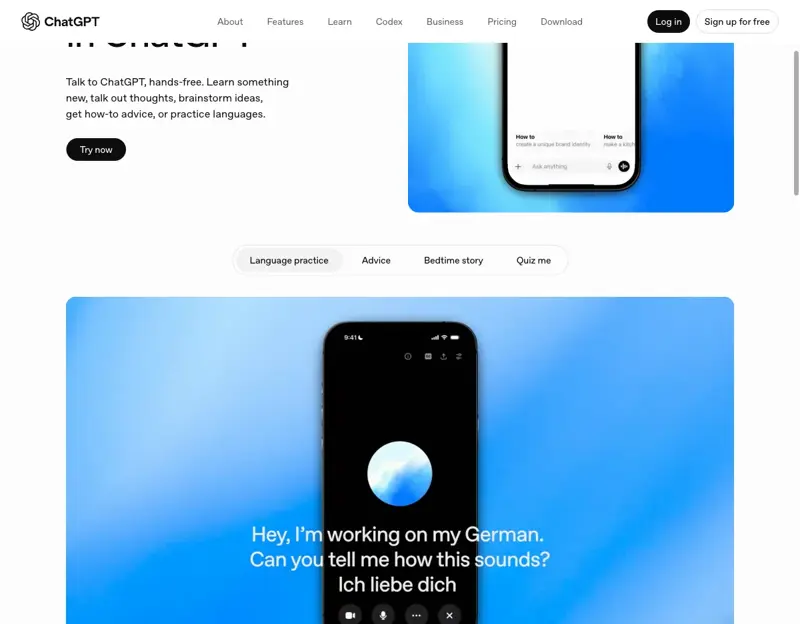
Add those to Voice Mode, which has been around a while, and you can hold a real spoken conversation, get interrupted and corrected, and hear native-sounding speech on demand. Basic voice is free for everyone; Advanced Voice Mode (the smoother, more natural one) needs ChatGPT Plus at $20 a month.
The workflow that actually works
There are four things ChatGPT is genuinely good at for language learning. Use it for these, and lean on other tools (or a human) for the rest.
1. Fix specific sounds with the new pronunciation feature
Don’t ask it to “help me with pronunciation” in general — that’s too vague to be useful. Be specific. The trick experienced learners use is to drill three to five tricky sounds per session, not the whole language at once. A good prompt:
“How do I pronounce écureuil in French? Give me the audio, the IPA, which syllable is stressed, and two similar-sounding words (minimal pairs) so I can hear the difference.”
Asking for IPA, syllable stress, and minimal pairs turns a one-off answer into an actual drill. Play the audio, repeat it, then move to the next word. Five focused words beats fifty you skim past.
2. Have a real conversation — with corrections
This is the highest-value use, and it comes down to one well-built prompt. TEFL trainers and language coaches have basically converged on the same pattern. Copy this and change the bracketed bits:
“Let’s have a conversation in [Spanish] about [ordering food at a restaurant]. Only reply in [Spanish]. After each of my responses, give me a brief correction in English about grammar or vocabulary, then continue the conversation.”
That forces you to stay in the target language while still getting a short, digestible fix after every turn. In Advanced Voice Mode, you say those instructions out loud once and then just talk — like a tutor who never gets tired and never makes you feel embarrassed.
3. Learn vocabulary in context, then get quizzed out loud
Loose word lists don’t stick. Words tied to a situation do. Try:
“Teach me 10 words about visiting the doctor in German, each with an example sentence. Then quiz me out loud using Voice Mode — say the English, I’ll say the German.”
Now you’ve got introduction, context, and a listening-and-speaking drill in one go. Come back to the same set a few days later and have it re-quiz you.
4. Use Voice Mode for pressure practice
One drill learners love: tell ChatGPT to run a mock conversation under mild time pressure — “give me a topic, I’ll take 10 seconds to think, then speak for one minute, then you give me feedback on clarity and filler words.” It’s a surprisingly good way to build the confidence to speak without freezing.
What this means for you
If you’re a total beginner: Start free. The basic voice mode and the pronunciation feature cost nothing, and you’ll be hearing and repeating real words this week. Don’t overthink the setup — open the app, tap the headphones icon, and ask it to teach you ten words.
If you’ve plateaued at intermediate: Your gap is almost always speaking, and that’s exactly where the conversation prompt helps. Twenty minutes of forced target-language conversation a day, with corrections, will move you faster than another month of grammar apps.
If you’re prepping for a trip: Skip the textbook. Run the role-play prompt for the exact scenarios you’ll hit — ordering, directions, checking in — and drill the ten phrases you’ll actually use. The pronunciation audio means you’ll be understood, not just grammatically correct.
If you’re studying for an exam (DELE, JLPT, etc.): Use ChatGPT to practice and build confidence, but do not trust it as your accuracy judge. More on why in a second — this matters most for you.
If you’re a heritage learner: This is a lovely, low-pressure way to practice the language you grew up hearing but never formally studied. It won’t judge your “kitchen” vocabulary, and it’ll fill in the grammar you never learned.
What it can’t do
Here’s the blind spot, and it’s a real one. Research from language-teaching experts is consistent on this:
- It understands your bad accent too well — so it won’t fix it. When you mangle the French “r” and ChatGPT understands you anyway, it just… carries on. You never learn you said it wrong. Pronunciation improvement needs correction, not just comprehension, and ChatGPT won’t correct what it can already understand unless you explicitly ask it to.
- It tends to tell you you’re doing great. Learners repeatedly report it saying “great pronunciation!” when it wasn’t. A 2024 study (“Friend or Foe: What Pronunciation Teachers Can Do that ChatGPT Cannot”) found it gives “inaccurate responses that appear plausible” and struggles to judge the subtle stuff — intonation, stress, rhythm. So always end your prompt with: “Be strict. Point out exactly what I got wrong.”
- It’s not exam-grade. Studies in computer-assisted language learning find real gains in fluency and confidence from AI practice — but also that ChatGPT-style tools are not yet reliable assessors of fine pronunciation. For a graded speaking exam, you still need a human ear.
- The audio can glitch. Stuttering, latency, and the occasional misheard word are still common, especially on the web version. It’s a practice partner, not a recording studio.
The honest framing: AI is the best speaking-practice tool a self-learner has ever had for volume and confidence. It is not a substitute for a real teacher when precision matters.
The bottom line
ChatGPT just closed its last big gap as a language tool. You can now hear words, drill sounds, hold conversations, and get corrected — for free or close to it, on your phone, whenever you have ten minutes. For most people learning a language in 2026, it’s the fastest, least intimidating way to actually start speaking.
Just remember what it is: a tireless practice partner that’s a little too nice. Make it be strict, drill a few sounds at a time, and check your accuracy against a human when it really counts. Do that, and you’ll be having real conversations faster than you’d think.
Want to get more out of every prompt — not just for languages? Our Prompt Engineering course (first 2 lessons free) teaches you how to give ChatGPT the kind of specific instructions that turn a vague answer into a real drill, in about an hour.
Sources
- ChatGPT Release Notes — OpenAI Help Center
- ChatGPT Gets Pronunciation Audio, World Cup Hub & More — Windows Report
- ChatGPT Voice Mode — OpenAI
- “Friend or Foe: What Pronunciation Teachers Can Do that ChatGPT Cannot” — Lima & Wallace (2024), Iowa State Digital Press
- AI-powered speech recognition for language learning — ERIC review