

Here’s the scam that’s catching careful people in 2026: you search “ChatGPT” or “Claude,” click what looks like an official help page — the link really is on chatgpt.com or claude.ai — and it walks you through a friendly “install guide,” supposedly from Apple Support. One step says to paste a short command into your Terminal. You paste it. Nothing dramatic happens on screen. Behind the scenes, an info-stealer just copied your saved passwords, your browser cookies, and your crypto wallet.
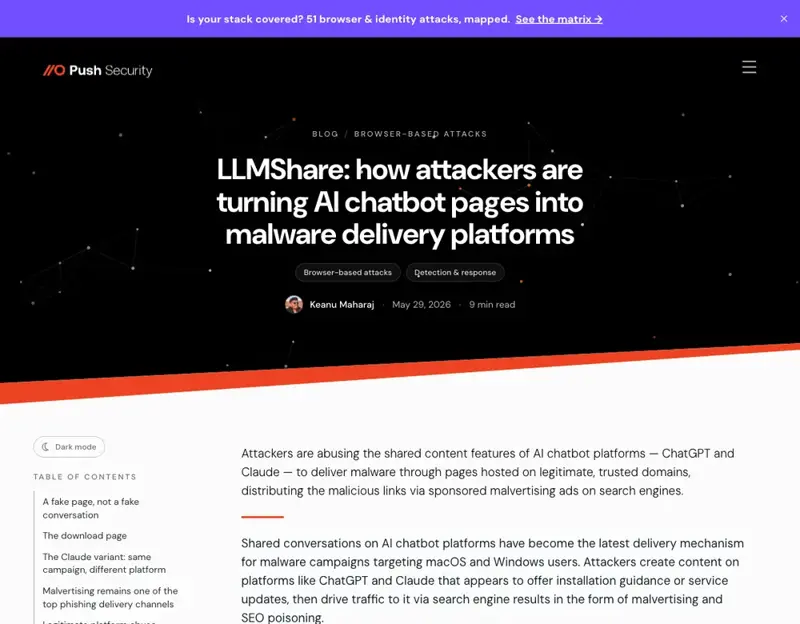
The reason this works on smart people is that every instinct we’ve trained — check the URL, only trust official sites — points the wrong way. The malicious content is sitting on a genuinely official domain. Security researchers at Push Security and Permiso disclosed this whole family of attacks in the last week of May 2026, and they’re still live. Here are the five going around, in plain English, with one rule each.
What Changed: the Scam Moved Onto Trusted Domains
For years, the advice was simple: look at the web address. A weird URL meant a fake site. That advice is now partly broken.
Modern AI tools let anyone create a shared, public page — chatgpt.com/s/... or claude.ai/share/... — that can contain fully styled text, fake buttons, even fake “outage” notices. To your browser, your password manager, and Google’s Safe Browsing list, those pages live on a trusted domain. Researchers call the result trust laundering: the attacker borrows ChatGPT’s and Claude’s credibility, and you inherit the risk.
That’s the common thread under all five scams below.
The 5 Scams (and the One Rule That Stops Each)
1. The “paste this into Terminal” install guide. A shared Claude or ChatGPT link, dressed up as an Apple Support or “Claude Code for Mac” setup guide, tells you to paste a curl command into Terminal. That command downloads and runs the AMOS (Atomic macOS Stealer) info-stealer.
Rule: Never paste a command from a chat link into your Terminal. Real software never asks you to.
2. The fake “ChatGPT Desktop App” download. Attackers buy Google Ads for “chatgpt,” “chatgpt free,” and common misspellings. The ad leads to a real chatgpt.com/s/ page showing a fake “We’re experiencing high traffic — download our desktop app to continue” notice. Click “Download” and you land on openew[.]app, a near-perfect clone of OpenAI’s download page that serves Windows and Mac malware. (It even shows security scanners a harmless decoy site.)
Rule: Never install an AI app from an ad or a pop-up. Type openai.com yourself, or use the official app store.
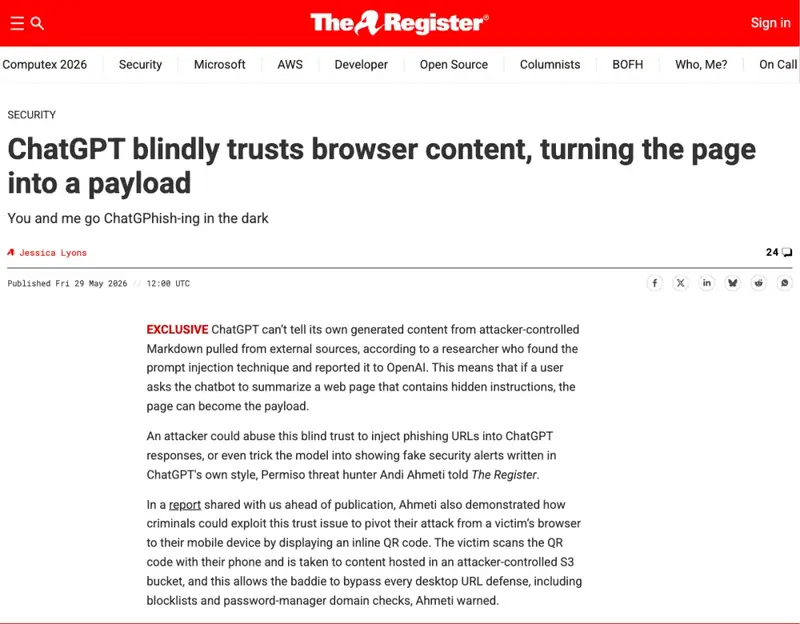
3. The poisoned summary (ChatGPhish). You ask ChatGPT to “summarize this page.” The page has hidden instructions, so ChatGPT’s answer includes a fake alert in its own style — “A new device was added to your account. Click here” — pointing to an attacker’s site. Because it appears inside ChatGPT, it feels official. Rule: Treat links and “alerts” inside an AI summary like links in a stranger’s email. Real account alerts live in your account settings, not in a chat answer.
4. The QR-code redirect. A nastier ChatGPhish variant renders a QR code inside the chat. Desktop blockers and password managers can’t check a QR code, so scanning it with your phone jumps you straight to a phishing site on a device with fewer defenses. Rule: Don’t scan a QR code that an AI chat produced. There’s no reason a legitimate answer needs one.
5. The invisible tracker. The same poisoned-page trick can embed a tracking pixel that fires the moment ChatGPT renders the summary, quietly leaking your IP address, browser fingerprint, and the time you viewed it to the attacker — useful for building a more convincing follow-up scam. Rule: Be cautious asking ChatGPT to summarize random pages from forums, GitHub, or links strangers send you. The attacker only needs to control the page you’re summarizing.
What This Means for You
If you’re a Mac user, scam #1 is aimed at you specifically — the AMOS stealer is macOS malware, and the fake guides love to invoke “Apple Support.” The Terminal is the tell. Nothing legitimate you do as a normal user requires pasting a command you didn’t write.
If you manage a team or a small business, scam #2 is your nightmare: one employee installs a fake “ChatGPT app” and your logins are gone. Send everyone a one-line policy today — AI apps come only from the vendor’s real site. It’s cheaper than an incident.
If you use ChatGPT for research and summarizing, scams #3–5 are yours to watch. Keep summarizing your own trusted documents; just don’t trust a button, QR code, or “alert” that appears inside a summary of a page you didn’t write.
If an older relative uses ChatGPT, these are exactly the scams to warn them about — the ones that look official and create urgency (“high traffic,” “new device added”). Forward them this rule: when in doubt, close the tab and open the app yourself.
What This Can’t Be Fixed By a Setting
There’s no toggle for this. Advanced Account Security, MFA, and turning off training are all worth doing (we cover them in our companion guide on ChatGPT settings), but none of them stop you from pasting a command or downloading a file. These attacks target the human, not the account.
And the platforms can only do so much. As of the public disclosure, OpenAI hadn’t confirmed a fix for the ChatGPhish summary trick — and shared-link pages are a core, useful feature, not a bug they can simply switch off. The durable defense is the set of rules above, not a patch you’re waiting on.
One more honest note: scammers iterate. The specific domain openew[.]app will be dead by the time you read this, replaced by another. Don’t memorize the domain — memorize the behavior: ads, pop-ups, “download our desktop app,” “paste this command.” Those don’t change.
The Bottom Line
The 2026 scams are good because they hide on real domains and borrow the AI brands you trust. But every single one needs you to do something — paste, download, click, scan. Slow down at exactly those moments, and you’ve beaten all five.
Want the wider version — how to spot phishing, lock down your logins, and set up the rest of your accounts so one bad click doesn’t cascade? Our Cybersecurity Basics course is built for non-technical people, and the first two lessons are free.
Sources
- LLMShare malvertising campaign — Push Security
- ChatGPT prompt injection turns web pages into phishing lures — The Register
- ChatGPhish Vulnerability Turns ChatGPT Web Summaries Into a Phishing Surface — The Hacker News
- LLMShare campaign exploits ChatGPT to deliver malware — ThreatLocker
- Introducing Advanced Account Security — OpenAI