Last Thursday, the last real argument for paying $30 a month for Microsoft Copilot quietly disappeared. On September 17, 2026, OpenAI’s free ChatGPT add-in went live inside Word — joining the versions that already existed for Excel and PowerPoint. Every plan, including Free, gets it. And that means the single biggest reason most people paid for Copilot (“it lives inside my Office apps”) is no longer something you have to pay for.
I went and checked the “Copilot vs ChatGPT” search results this week to see what the internet is telling people to do about this. The top result is Google’s own AI Overview. It still says, flatly, that ChatGPT works as “an independent, standalone platform” while Copilot is “built directly into Word, Excel, PowerPoint.” That was true in August. It stopped being true on September 17th. Nobody’s told the AI Overview yet.
So here’s the honest version — the one that accounts for what changed nine days ago, not nine months ago.
What Actually Changed on September 17
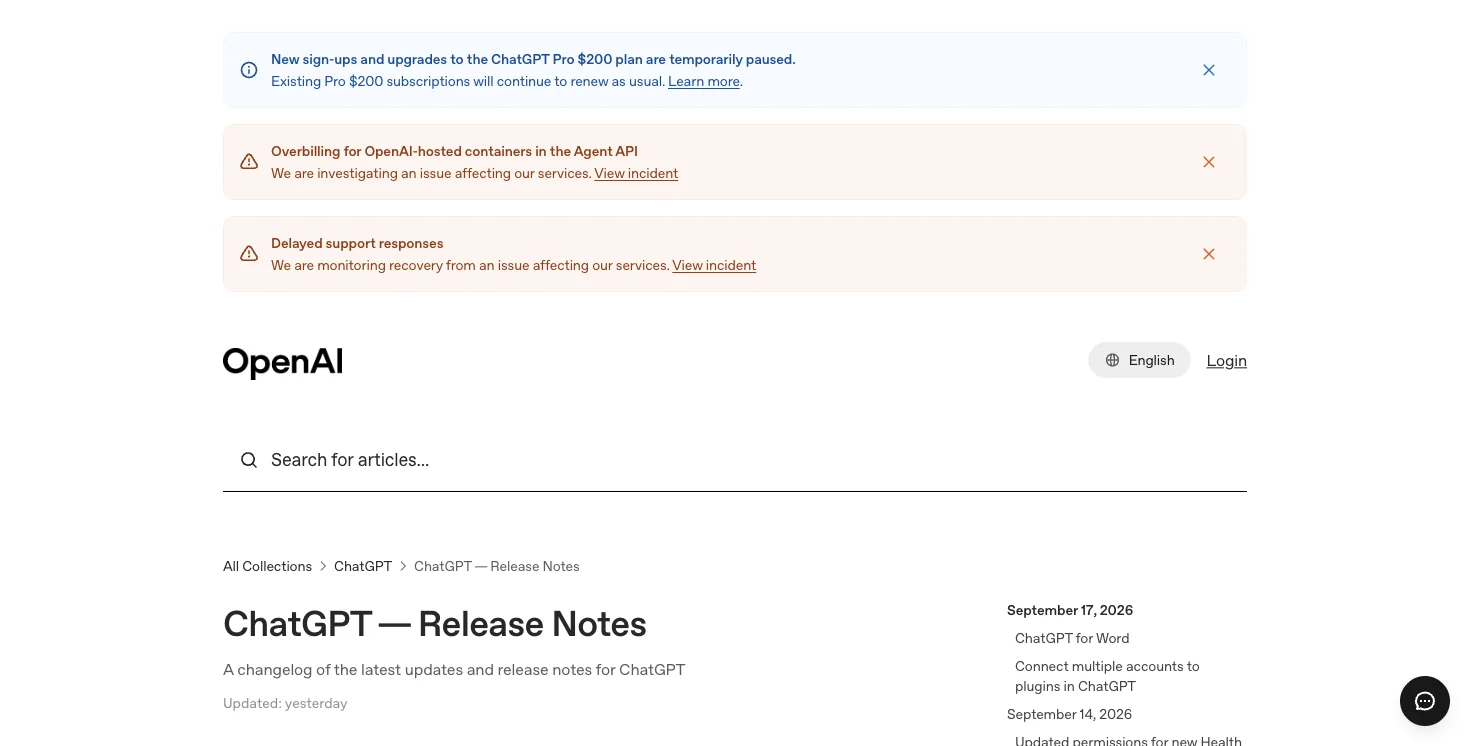
OpenAI’s Microsoft add-in — the sidebar that drafts, edits, summarizes, and reformats without you leaving the document — now runs in Word. It joins the Excel and Word add-ins that shipped earlier this year, which means ChatGPT now covers the three Office apps most people actually open every day. The add-in is available on every ChatGPT plan, Free through Enterprise, though usage is metered by your plan’s limits.
OpenAI’s own announcement put it simply: “ChatGPT for Word (and PowerPoint + Excel) are available across all plans, including Free, with usage limits.” Business and Enterprise accounts also got a two-week preview of GPT-5.6 Sol running inside Word, from September 17 through the 30th, at no extra cost against their usage limits.
That’s the feature. Here’s why it matters more than a routine product update: for two years, Microsoft’s core sales pitch for Copilot has been some version of “why copy-paste into a chatbot when the AI already lives in your document?” As of last week, that’s not a Copilot-exclusive feature anymore. The free version of ChatGPT you already have an account for now lives in the same place.
Copilot didn’t get worse. It’s just not the only option anymore for the tasks — drafting, rewriting, summarizing — that most people actually bought it for.
What People Are Actually Saying About It
I went looking for real reactions before writing this — not vendor quotes, actual users. OpenAI’s own launch post (“Procrastination has met its match. ChatGPT is now in Word.”) picked up over 7,000 likes and 260-plus replies in its first day, which for a feature announcement is a genuinely strong signal that it landed with working professionals, not just AI-news accounts.
The more interesting reactions are in the replies and the surrounding chatter. One thread pointed out something sharp: “the funny part is copilot in office is still a paid add-on, and these guys shipped ai built in for free.” Another, from someone clearly annoyed with their current Copilot bill, noted flatly that Copilot Chat is a paid add-on while OpenAI “shipped AI built in for free.” A few IT-adjacent accounts flagged real friction with Copilot lately — one described their organization blowing through its Copilot usage budget mid-month, with predictable chaos following.
Here’s what I didn’t find, and it matters: no viral “I canceled my Copilot seat today” post. Nobody has posted the concrete switch story yet — no small business owner walking through exactly what they saved. That’s not because it’s a bad idea. It’s because the launch is nine days old, and it’s the kind of decision that takes people a few weeks to actually make and post about. If you make the switch and it works out, you’d genuinely be ahead of that curve.
What Free ChatGPT-in-Office Actually Does (and Doesn’t)
Before you decide anything about your Copilot subscription, you need the real feature list — not the marketing pitch. I pulled this from OpenAI’s own documentation and from testing the add-in directly.
What it does, in each app:
- Word: drafts a document from a set of notes, summarizes a document you already have open, rewrites a selected passage, and cleans up formatting and structure.
- Excel: builds and edits formulas, cleans messy data, creates and updates tables, and answers “what if this changed” questions about a workbook.
- PowerPoint: drafts and revises slides, and — on paid tiers — pulls in connected data sources and Skills.
What it explicitly does not do: it only reads the document you currently have open. It has no visibility into your Outlook inbox, your Teams meetings, your SharePoint library, or any other file on your machine unless you paste that content in yourself. That’s not a bug — it’s the entire architectural difference between this and Copilot, and it’s the thing that decides whether you still need to pay for anything.
One detail that trips people up on day one: the add-in matches the language of your Office UI, not your document’s language. If you’re writing in French inside an English-language Office install, don’t be surprised when the sidebar answers in English until you tell it otherwise.
Why Copilot Still Costs What It Costs
Microsoft’s Copilot isn’t just “ChatGPT, but paid.” It’s built on something called Microsoft Graph — the permission-aware index of everything inside your Microsoft 365 tenant — plus a newer layer Microsoft calls Work IQ, which reasons across your Teams meetings, Outlook threads, SharePoint files, and calendar to ground its answers in your actual organizational context. When Copilot writes a project update, it can pull real numbers from a spreadsheet three people on your team edited yesterday. Free ChatGPT-in-Word can’t do that. It only knows what’s in the document open in front of you, right now.
That’s a real, defensible thing to pay for — if you actually use it. The honest question isn’t “which tool is smarter.” It’s “how much of what I do every day depends on the AI seeing more than the one file I have open?”
Here’s the current U.S. pricing, pulled directly from Microsoft’s own plan pages this week:
| Tier | Price | What it includes |
|---|---|---|
| Microsoft 365 Personal + Copilot | Bundled into Personal/Family plans | Copilot in Word, Excel, PowerPoint, Outlook on a personal M365 subscription |
| Microsoft 365 Copilot Business | ~$18/user/month (promotional, annual commit) / $21/user/month regular list price | Requires an existing Microsoft 365 Business base license; adds Graph-grounded Copilot across apps |
| Microsoft 365 Copilot Enterprise | ~$30/user/month | Full Graph + Work IQ grounding, admin controls, Teams/Outlook/SharePoint reasoning |
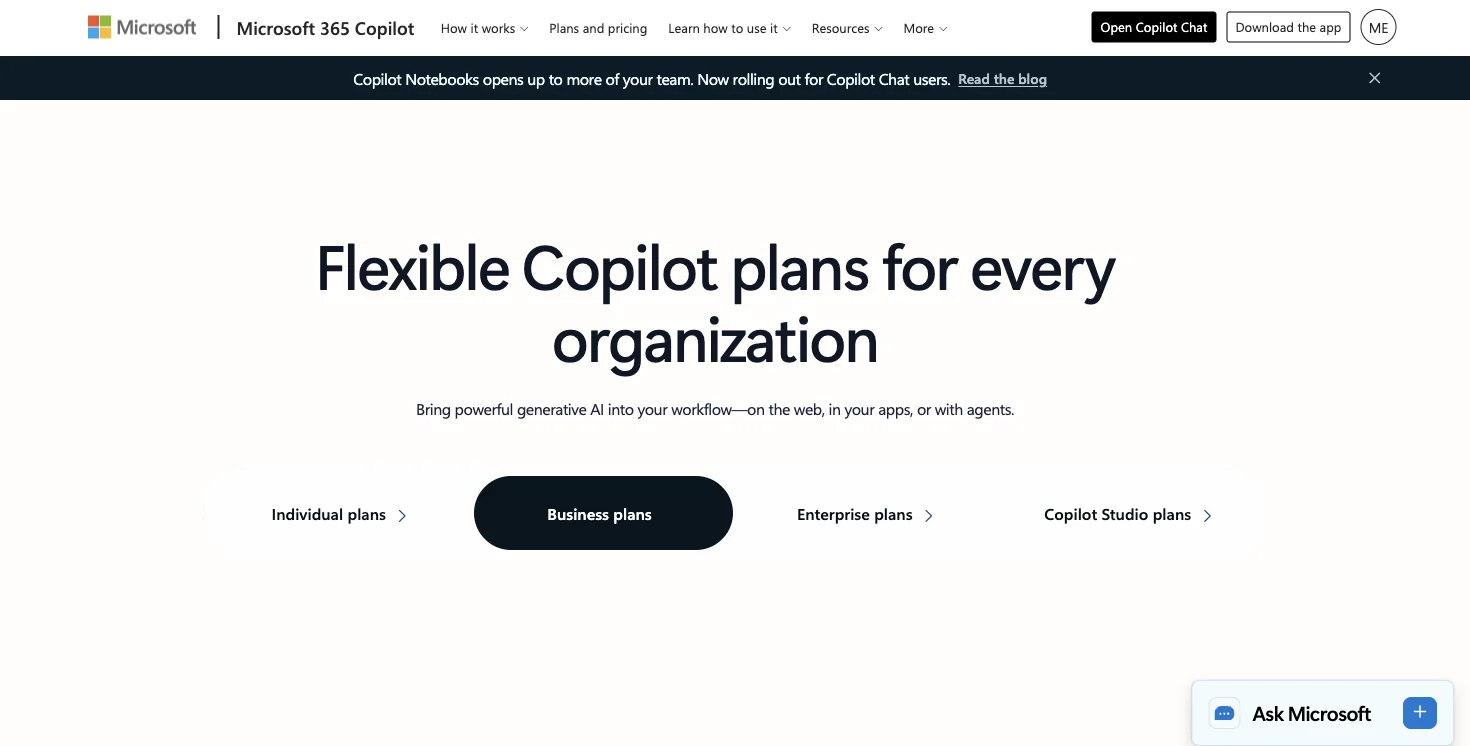
The number most people quote — “$30 a month” — is the Enterprise price, and it’s the one that matters for anyone whose employer is deciding whether to keep paying it, or who’s paying for it themselves as a consultant or small-business owner. Worth flagging: Copilot Business currently runs a promotional rate below its own list price, which is Microsoft’s own quiet acknowledgment that the bundle needs a discount to compete right now.
Compare that to ChatGPT Business, which runs roughly $25 per seat (or about $20/seat billed annually) as a standalone product — no Microsoft 365 base license required. If your business isn’t already paying for M365, ChatGPT is flatly cheaper. If you’re already paying for M365 regardless, Copilot’s incremental cost is just the add-on price, and the calculus shifts.
There’s a structural pricing detail worth knowing before you commit to either path for a year: Microsoft’s own Copilot architecture documentation describes the whole system as operating “within the service boundary of your Microsoft 365 tenant,” using Graph to fetch organizational data based on user permissions, while honoring Conditional Access and multi-factor authentication policies your IT team already has in place. That’s not marketing language — it’s a genuine security and compliance layer that a personal ChatGPT account, free or paid, simply doesn’t have, because it isn’t wired into your company’s identity and access system at all. If your organization has strict data-governance requirements, that’s a real reason Copilot’s price includes something ChatGPT’s doesn’t, independent of which tool writes better prose.
One more pricing wrinkle worth tracking if you’re mid-decision: Microsoft has been adjusting Copilot-adjacent costs elsewhere this month too — GitHub Copilot’s included usage credits dropped roughly 40% for Business and Enterprise seats when a temporary promotional allotment expired September 1st (same price per seat, less included in it), and Microsoft’s CSP partner billing is adding a 5% premium on certain annual-commitment software subscriptions billed monthly, starting October 1st. Neither is the Word/Excel/PowerPoint Copilot tier directly, but they’re both signs of the same trend — Microsoft tightening the value equation across its AI and licensing stack at the exact moment a free competitor showed up inside the app you already have open. Worth watching if you’re the person who approves the renewal.
Free ChatGPT-in-Office vs. Copilot: Feature by Feature
| Capability | Free ChatGPT-in-Office | Microsoft Copilot |
|---|---|---|
| Draft from notes, rewrite, summarize open document | ✅ Yes | ✅ Yes |
| Sees your Outlook inbox and email threads | ❌ No | ✅ Yes |
| Sees Teams meeting transcripts and recaps | ❌ No | ✅ Yes |
| Pulls data from other files in SharePoint/OneDrive | ❌ No | ✅ Yes |
| Admin/IT governance controls | Limited (consumer account controls) | Full tenant-level admin controls |
| Honors Conditional Access / MFA policies | ❌ No | ✅ Yes |
| Cost for a solo user | $0 (usage-capped) | ~$18-30/user/month |
| Requires a Microsoft 365 base license | ❌ No | ✅ Yes (Business tier) |
| Cross-document, cross-app reasoning | ❌ No | ✅ Yes |
| Works the moment you install it, no IT approval | ✅ Usually | ❌ Often requires tenant admin setup |
The Walkthrough: Setting Up Free ChatGPT-in-Word (and Deciding If You Need More)
Here’s the actual process, start to finish, with the decision points built in.
Step 1: Install the add-in
Open Word, go to Insert → Add-ins → Get Add-ins, and search “ChatGPT.” Install the official OpenAI add-in (not a third-party lookalike — there are a few, and they’re not the same thing). Sign in with your existing ChatGPT account. Expected result: a sidebar panel appears on the right side of your document, ready to use immediately, no separate purchase or trial required.
Step 2: Try the exact test that tells you whether you need Copilot
Pick a real task you did last week — a client email, a project summary, a proposal draft. Do it with just the free add-in, using only what’s in the open document. Time yourself.
Worked example: I used it to turn six bullet points of rough meeting notes into a one-page client update. Input: “Turn these notes into a professional client update. Keep it under 300 words. Notes: [pasted six bullets].” Output, in about 15 seconds: a structured three-paragraph update with a clear subject line suggestion, properly formatted, ready to send after a quick read-through. That’s the exact task that used to justify a Copilot seat for a lot of solo consultants and small teams — and it’s now free.
Expected result: for drafting-from-notes, summarizing an open document, and rewriting a selected passage, the free tier handles it well. If that’s 80% of what you do in Word, you may be done here.
Step 3: Test the thing free ChatGPT can’t do
Now try a task that depends on information outside the open document — “summarize what came up about this project in yesterday’s Teams meeting” or “pull the latest numbers from the shared budget file into this proposal.” Free ChatGPT-in-Word will tell you, correctly, that it can’t see that. This is the moment that actually answers the keep-or-cancel question, not a spec sheet.
Expected result: if this kind of cross-document, cross-app reasoning happens rarely for you, you likely don’t need Copilot. If it happens daily — because you’re constantly pulling from meetings, shared files, and email into what you’re writing — that’s Copilot’s actual value, and it’s real.
Step 4: Check your plan’s usage limits before you commit either way
Free-tier ChatGPT usage is capped, and Word/Excel/PowerPoint usage can draw from the same pool as your other ChatGPT usage on some plans. If you’re a heavy user already bumping into limits elsewhere, factor that in — “free” isn’t unlimited.
Step 5: Make the call using the money math below, not vibes
Do You Still Need to Pay for Copilot? The Money Math
This is the table that should have existed on every “Copilot vs ChatGPT” page a week ago and doesn’t yet.
| Your situation | Recommendation | Why |
|---|---|---|
| Solo freelancer/consultant, mostly drafting and summarizing single documents | Cancel Copilot, use free ChatGPT-in-Office | You’re paying $30/mo for grounding features you don’t use |
| Small team (3-8 people) already on Microsoft 365 Business, occasional cross-file work | Try the Business promo tier (~$18/mo) before Enterprise | Cheaper entry point; skip Enterprise unless you need full Work IQ reasoning |
| Employee at a company where meetings, email, and shared files drive your daily writing | Keep Copilot if your employer is paying | The Graph/Work IQ grounding is doing real work you’d lose |
| Small business owner deciding whether to add Copilot for the first time | Start with free ChatGPT-in-Office for 30 days, track what you can’t do | Don’t buy grounding you haven’t proven you need yet |
| Power user hitting ChatGPT free-tier limits constantly | Compare ChatGPT Plus/Business ($20-25) against Copilot Business (~$18-21) directly | Both are paid at that point — compare features, not “free vs paid” |
| Anyone paying for both Microsoft 365 Copilot AND a separate ChatGPT subscription | You’re very likely double-paying for the same drafting/summarizing tasks | Audit which one you actually open first |
What This Means for You — By Profession
If you’re a solo consultant or freelancer: Cancel Copilot if you have it. Free ChatGPT-in-Office covers the drafting, editing, and summarizing you do all day, and you were never using Graph-level org grounding as a one-person shop anyway. First action: uninstall or downgrade your Copilot seat this week and run the free add-in for your next three client deliverables.
If you’re a small business owner (3-15 employees): Don’t buy Copilot Enterprise reflexively. Run the free add-in across your team for a month first. If your team’s biggest pain point is people not knowing what happened in a meeting they missed, or hunting for a number buried in a shared spreadsheet, that’s a genuine Copilot use case — the Business promo tier is your entry point, not Enterprise. First action: ask your team which task actually requires seeing something outside the open document, and count how often it happens.
If you’re an executive assistant or admin managing someone else’s calendar and inbox: You’re the profile that benefits most from Copilot’s Outlook/Teams/SharePoint grounding — this is close to the textbook use case. Keep it, or make the case for it if your organization is debating cutting costs. First action: document three specific tasks last month where Copilot pulled information you’d otherwise have had to dig for manually.
If you’re a teacher or nonprofit staffer on a tight budget: Free ChatGPT-in-Word/Excel/PowerPoint likely covers your real workload — lesson materials, grant narratives, newsletters — without paying anything. First action: install the free add-in before you consider any paid AI tool for your role.
If you’re at a large company where Copilot is bundled into your license already: This whole debate may be moot for you — if your employer already pays for the Enterprise tier as part of your M365 license, there’s no cost decision to make personally. Use whichever tool is faster for the specific task, and don’t feel obligated to pick a side.
If you manage IT purchasing for a mid-size company: Run the numbers per-seat before renewal. A 40-person org paying full Enterprise Copilot pricing across every seat, when only your leadership team and EAs actually use the Graph-grounding features, is a real budget line worth revisiting. First action: pull usage data by seat for the last 60 days and see how many people are using cross-app features versus just drafting text.
If you’re a bookkeeper or accountant doing Excel-heavy work: ChatGPT for Excel (free tier) handles formula-writing, data cleanup, and “what if” scenario questions well. Copilot’s edge here is pulling numbers automatically from other files in your Microsoft environment — useful if your firm’s data lives scattered across SharePoint, less useful if you work mostly within single client workbooks. First action: time yourself on your next three formula-heavy tasks with just the free tool before deciding.
Edge Cases and Troubleshooting
Real problems people are hitting in the first week, pulled from actual user reports and community threads:
“The add-in answers in the wrong language.” It follows your Office UI language setting, not your document’s language. Fix: change your Office display language, or explicitly tell the add-in which language to respond in at the start of your session.
“My IT admin blocked the add-in.” Some Microsoft 365 Business tenants restrict third-party Office Marketplace add-ins by default. If you can’t see it in Insert → Add-ins, that’s likely an admin policy, not a bug — talk to whoever manages your tenant.
“It won’t touch my Excel formulas the way I expected.” Free ChatGPT-in-Excel can write and edit formulas but doesn’t preserve tracked-changes-style editing the way Copilot does in some Word contexts. If you need to see exactly what changed before accepting it, review edits carefully rather than accepting in bulk.
“I hit a usage limit faster than I expected.” On some plans, Word/Excel/PowerPoint usage draws from the same allowance as other ChatGPT features like Codex. If you’re already a heavy ChatGPT user, track your usage before assuming this is unlimited.
“Copilot told me it can’t read my Word document.” This is unrelated to this launch — Microsoft’s own Copilot occasionally has format-compatibility hiccups with certain older Word file formats. Save as a current .docx if you hit this.
“I don’t see GPT-5.6 Sol in my Word sidebar.” That two-week preview (Sept 17-30) is limited to Business and Enterprise ChatGPT accounts — Free and Plus users get the standard model, not the preview.
“My organization exceeded its Copilot budget mid-month.” This is a real, reported complaint from Copilot admins this month — usage-based components of the Enterprise tier can run past flat per-seat expectations if usage is heavy. Worth monitoring if your org is on a hybrid pricing structure.
“I’m not sure if I’m now double-paying.” If you have both a personal ChatGPT Plus subscription and your employer pays for your Copilot seat, you likely are, for at least some overlapping tasks. Worth an honest inventory of which one you actually reach for first.
What Free ChatGPT-in-Office Can’t Fix
To be fair to Copilot, and to avoid this reading like a “cancel everything” post: there are real limits to the free option.
It has zero organizational memory. Every session starts blank except for the document in front of you. Copilot, by contrast, can be grounded in weeks of your Teams and Outlook history.
It can’t act across apps in one request. Ask it to “update this proposal based on the client’s email from Tuesday” and it simply can’t — you have to paste that content in yourself. Copilot’s entire pitch is that it can.
Admin controls are thinner. IT teams managing compliance, data retention, and access policies get considerably more control inside Copilot’s enterprise tooling than through the consumer-facing ChatGPT add-in.
It won’t replace Copilot’s meeting features. Recap, meeting notes, and inbox-summary features tied to Teams and Outlook aren’t part of this add-in at all — that’s arguably the bigger part of what you’d lose canceling Copilot, more than the Word drafting itself.
Free-tier usage caps are real. If you’re a high-volume user, you’ll hit limits that a paid tier — either ChatGPT or Copilot — would remove.
FAQ
Is ChatGPT really free in Word now, or is there a catch? It’s free with usage limits on the Free ChatGPT plan — you’re not charged, but heavy use may hit a cap tied to your plan. There’s no hidden trial period or credit card requirement to install it.
Do I need a Microsoft 365 subscription to use ChatGPT for Word? Yes — you need Word itself (through a Microsoft 365 subscription or a standalone Office license), plus a free ChatGPT account. The add-in doesn’t replace your need for Word; it adds AI assistance inside it.
Is Copilot worth it for a small business in 2026? It depends entirely on whether your work depends on the AI seeing things outside the document you have open — meeting notes, emails, shared files. If yes, it’s a genuine value. If you mostly draft and summarize single documents, free ChatGPT-in-Office likely covers it.
What’s the actual difference between Copilot and ChatGPT now? Copilot is grounded in your organization’s Microsoft 365 data — Teams, Outlook, SharePoint, calendar — through Microsoft Graph and Work IQ. ChatGPT’s free Office add-in only sees the document currently open. That’s the entire difference that matters for this decision.
Can I use both ChatGPT and Copilot at the same time? Yes, technically, but paying for both usually means you’re double-paying for overlapping tasks like drafting and summarizing. Audit which one you actually use for what before keeping both.
Will Microsoft cut Copilot’s price now that ChatGPT is free in Office? Nothing’s been announced, but Copilot Business is already running below its own list price as a promotion, which suggests Microsoft is feeling the pressure. Worth watching over the next few months.
Does the free ChatGPT add-in work in Word Online or just desktop? OpenAI’s documentation covers the standard Office add-in framework, which generally supports both desktop and web versions of Word, though feature parity can lag slightly on web. Check the specific add-in listing for your version before assuming full parity.
What happens to my work if I cancel Copilot after using it? Nothing you’ve created gets deleted — documents, emails, and files remain exactly as they are. You simply lose the AI features layered on top going forward, not any content Copilot helped create in the past.
The Bottom Line
The reason most people paid for Copilot — “it’s already in my Office apps” — quietly stopped being a Copilot-exclusive argument on September 17th, and most of the internet hasn’t caught up yet. If you’re mostly drafting, summarizing, and rewriting single documents, the free ChatGPT add-in likely covers what you’re paying for right now. If your daily work depends on the AI pulling context from meetings, email, and shared files across your organization, Copilot’s Graph and Work IQ grounding is still doing something real — and still worth the money.
Don’t take either vendor’s word for it. Run the free add-in for two weeks on your actual work, track the moment you hit its ceiling, and make the call from there. If you want a deeper, guided walkthrough of choosing and setting up the right AI tools for your specific work, FindSkill’s ChatGPT vs. Claude course covers exactly this kind of decision-making, tool by tool.
Sources
- OpenAI Help Center — ChatGPT Release Notes
- Windows Report — ChatGPT Comes to Word, PowerPoint, and Excel for All Plans
- Runtimewire — OpenAI adds ChatGPT to Word and opens its Office add-in to free users
- Microsoft Learn — Microsoft 365 Copilot overview
- Microsoft Learn — Microsoft Copilot architecture and how it works
- Microsoft — Compare Microsoft 365 Plans & Pricing
- Microsoft Tech Community — Microsoft 365 Copilot Business pricing update
- Live September 19, 2026 “copilot vs chatgpt” SERP (Google AI Overview + PAA)
- X/Twitter user reports, September 15-19, 2026 (via Grok research — real-time community reactions)
- Perplexity Deep Research, September 19, 2026 (152 sources on Microsoft 365 Copilot pricing and architecture)
