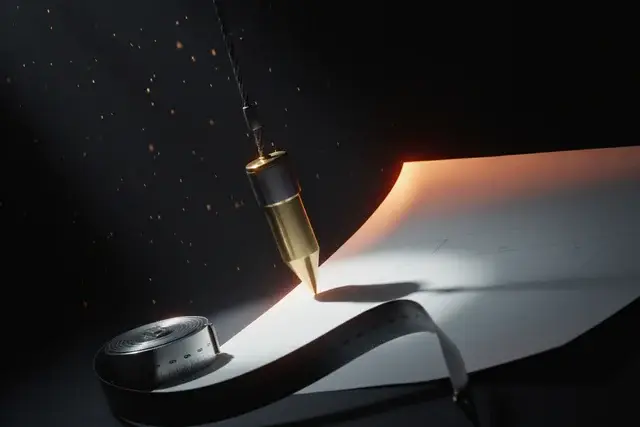

Monday morning, new job awarded, and the schedule is due before the pre-con meeting. You know the work cold — you’ve built thirty of these — but turning what’s in your head into a sequenced schedule with dates and dependencies is still two evenings hunched over Excel or Project. Meanwhile, every “AI for construction” search result wants to sell you a $200-a-month estimating platform.
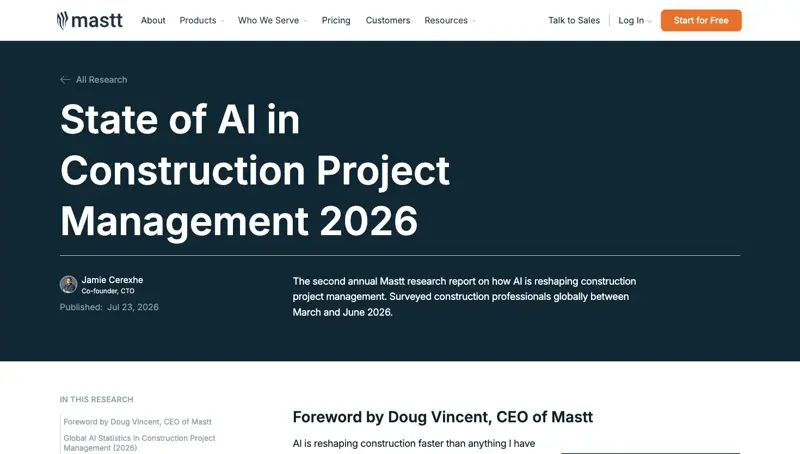
Here’s what those vendors don’t advertise: the free ChatGPT or Claude account you (or your kids) already have can draft that schedule in about ten minutes. Not a finished schedule — a first draft, the way a sharp junior PM would rough it out for you to red-line. Construction pros have quietly figured this out, and the numbers back it up: Mastt’s 2026 survey of construction project managers found half now use AI daily, with general-purpose ChatGPT leading at 66.7% — not the AI built into construction software, the plain chatbot.
The chatbot won. Here’s how to actually use it.
What just changed
Two things made this workflow real in 2026.
First, the models got good enough at structured output. Ask for a task list with predecessor links in a table, and you get exactly that — CSV-ready rows you paste straight into Excel. Academic research caught up too: 2026 studies in construction informatics found leading models producing usable schedule drafts, with quality varying by model — helpful, but firmly in “first draft” territory, which matches what working schedulers report.
Second, in late July, Claude’s 1-million-token context window arrived — roughly 700,000 words of working memory. That’s a full spec book, your scope narrative, and the meeting history in one conversation. You no longer have to feed a plan set to the AI one chapter at a time. (One honest caveat from Anthropic’s own docs: more context isn’t automatically better — accuracy can degrade when you dump everything in. Curate the sheets that matter.)
Even the giants have moved: Turner Construction — the largest contractor in the US — went “wall to wall, floor to ceiling” with ChatGPT Enterprise for every employee, and its teams have built 400+ custom AI apps since. But you don’t need an enterprise contract for any of what follows.
The 10-minute schedule draft: exact prompts
You need three things before you open the chatbot: your scope (bullet points are fine), rough durations from experience, and any hard dates (permit approvals, delivery lead times, weather windows). Then run this sequence.
Prompt 1 — the task list. Paste your scope, then:
“Convert this scope into a construction task list for a [type of project — e.g., 2,400 sq ft residential addition]. Break it into phases: sitework, foundation, framing, MEP rough-in, envelope, finishes, closeout. Give each task an ID number. Don’t invent tasks I didn’t mention — flag anything you think is missing as a question instead.”
That last sentence is the important one. It converts the AI’s habit of confidently inventing things into a list of questions you can answer from experience.
Prompt 2 — the logic. Once the task list looks right:
“Add predecessor links between tasks, using the task IDs. Use finish-to-start unless another relationship is clearly justified, and add a one-line logic note for each link. Add my durations: [paste your duration list]. Flag any task where you had to guess.”
Prompt 3 — the Excel export. Then:
“Output the full schedule as CSV rows with columns: Task ID, Task Name, Duration (days), Predecessors, Logic Note, Confidence. I’ll paste this into Excel.”
Copy, paste into Excel, and you have a working first draft with visible logic — the thing that usually costs you a weekend. If you use Claude, it can go one better and build the workbook with formulas so the dates recalculate when you change a duration or a link; our Claude for Excel course covers that pattern.
The after-meeting bonus: minutes in five minutes
The same chatbot kills a second Monday task. Paste your raw meeting notes (or the transcript from your phone’s recorder app) with:
“Turn these raw notes into professional construction meeting minutes. Structure: Project / Date / Attendees (company, role) / Decisions / Action items with owner and due date / Open items for next agenda. Label anything uncertain as ’needs confirmation.’ Do not invent dates, owners, or commitments.”
Site supers report this taking the minutes job from an hour or two down to about ten minutes — and the output is clean enough to drop on letterhead and email to attendees before you’ve left the trailer.
What this means for you
If you’re a small GC or builder (1–15 people): this is the highest-leverage free upgrade available to you right now. You’re not buying software, training anyone, or migrating data — you’re pasting text into a chatbot you already have. Start with the meeting minutes (zero risk), then graduate to schedule drafts.
If you’re a construction manager or site super: use it as your drafting assistant, not your scheduler. The draft-then-verify pattern means your experience is doing the valuable work — the AI just types faster than you. The “flag what you had to guess” prompt line is your best defense against silent errors.
If you’re a specialty trade owner (electrical, mechanical, plumbing): the same three prompts work at trade scope level — your rough-in sequence, your fixture schedule, your inspection gates. Pair it with our trades course for the wider workflow.
If you’re already paying for estimating software: keep it — this isn’t a takeoff tool (more below). But stop using it for the parts a chatbot does free: narratives, minutes, first-pass sequencing, bid letters. Our guide to AI for contractor bids covers that side.
What it can’t do
Be clear-eyed about the failure modes — they’re documented, not hypothetical.
- It will invent durations if you let it. The model doesn’t know your crew’s production rates, your weather, or your inspector’s schedule. Always supply your own durations; treat any AI-guessed duration as a placeholder wearing a hard hat.
- It gets sequencing wrong in ways that sound right. Predecessor logic that violates real build order — or misses a permit gate — reads just as fluently as correct logic. A super who knows the work must walk every link. This is the step you never skip.
- It cannot do quantity takeoff from drawings. In a blind test against a chartered quantity surveyor’s bill of quantities, a general-purpose AI produced a 40% bid-level underestimate — and the errors were systematic, not random: fine on schedule-driven counts, badly wrong on bulk earthworks, drainage, and landscaping areas. Dense, symbol-heavy PDFs are still beyond it. Takeoffs stay with your estimator (or your paid takeoff tool).
- Trade coordination is where it’s weakest. The interfaces — who blocks whom, handoff constraints between structural, MEP, and finishes — are exactly the fragmented knowledge the research says these models miss.
- It sounds confident even when it’s wrong. The polish of the output is not evidence of its correctness. That’s why every prompt above forces the model to flag its guesses.
The bottom line
The construction-AI market wants to sell you a platform; the workflow that’s actually spreading through the industry is a contractor, a free chatbot, and three good prompts. The schedule draft that ate your Sunday now takes ten minutes plus a red-line pass — and the red-line pass is the part only you can do, which is exactly how it should be.
If you want the full toolkit — schedules, bid narratives, change-order letters, and a prompt library you can save on your phone for the jobsite — our AI for Contractors: Winning Bids course starts free, and the Construction & Contractors AI course goes deeper on the day-to-day workflows.
Sources
- Mastt — State of AI in Construction Project Management 2026
- Construction Dive — Turner unveils “wall to wall” partnership with OpenAI
- Anthropic — Claude Opus 5 and the 1M-token context window (Jul 24, 2026)
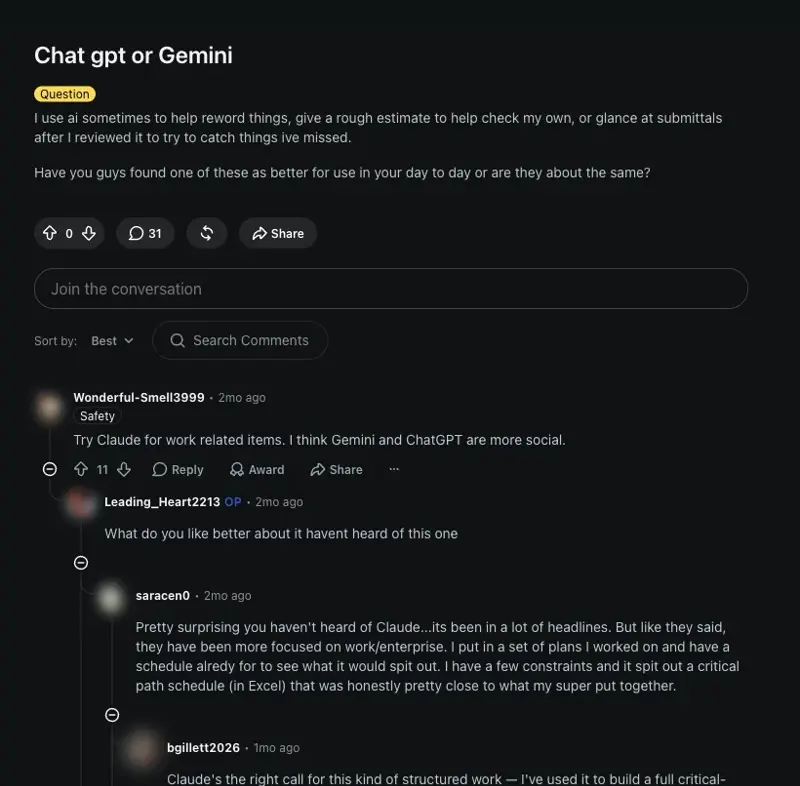
- r/ConstructionManagers — ChatGPT or Gemini
- Civils.ai — Can general-purpose LLMs perform accurate civil estimates? Claude vs ChatGPT blind test
- Engineering, Construction and Architectural Management — LLMs in smart construction: a review (2026)