

You just left a showing. The Hendersons loved the kitchen but flinched at the roof. You have eleven minutes before the next appointment, a cold coffee, and a follow-up email that needs to go out today — because the agent who follows up first usually wins. On July 29, Google quietly handed you a way to write that email without touching the keyboard: the Gemini app for Mac can now type what you say directly into any open app on your screen.
Not into a chatbot window you copy-paste from. Into the actual email you have open.
What just changed
Google updated the Gemini app for macOS (version 1.88, rolling out globally in English) with two things that matter to anyone who lives in their inbox:
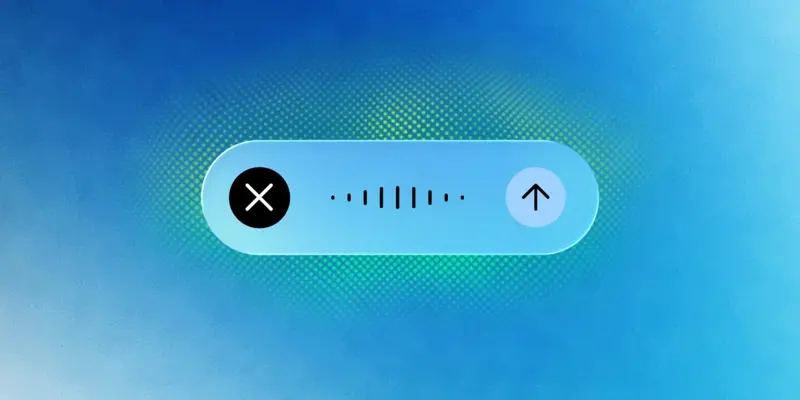
Voice dictation that works everywhere. Long-press the Fn key on your Mac keyboard, talk, and Gemini types polished text wherever your cursor is — Mail, Notes, Google Docs, your browser-based CRM, a listing form. It removes the “umm"s and “ah"s automatically, and if you change your mind halfway through a sentence (“tell them Thursday — no wait, Friday afternoon”), it keeps the correction, not the fumble.
An optional screen-aware mode. Turn it on, and Gemini can see what’s on your screen while you talk. Highlight a client’s email thread and say “draft a warm reply that answers their question about the inspection timeline” — it reads the thread and writes the reply in place. This mode is off by default; you opt in through Gemini’s settings.
The tech press framed it as Google racing Apple on desktop AI. Fair enough. But the practical story for working agents is simpler: the gap between “I have the words in my head” and “the email is written” just collapsed to a keypress.
Set it up in five minutes
Here’s the whole setup, start to finish.
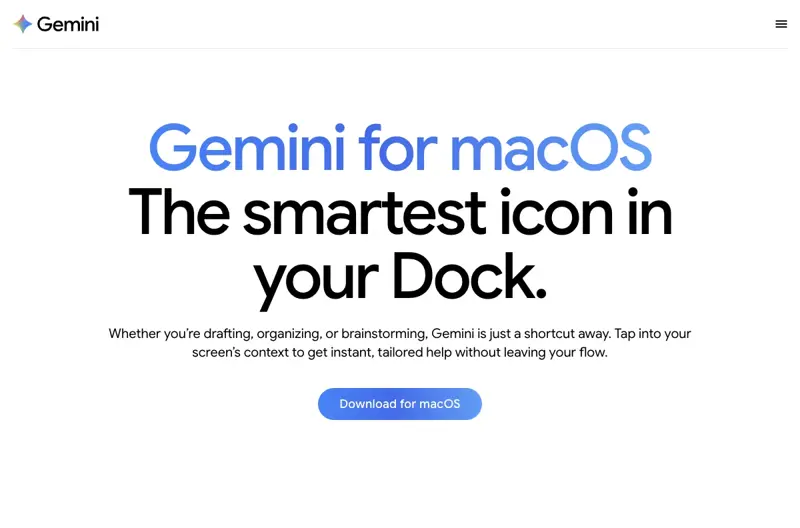
Step 1 — Get the app. Download Gemini for Mac from gemini.google/mac if you don’t have it, or update to the latest version if you do (you need version 1.88 or newer). Sign in with your Google account. The voice features work on the free tier.
Step 2 — Grant the two permissions. The first time you long-press Fn, macOS asks for microphone access, and — only if you enable the screen-aware mode — screen recording permission. Approve them in System Settings when prompted. This is standard for any dictation tool.
Step 3 — Try plain dictation. Open Apple Mail or Gmail, click into a new message, long-press Fn, and say something you’d actually send:
“Hi Sarah, great seeing you both at the Maple Street showing today. I know the roof came up — I’ve asked the sellers for the inspection records and I’ll have those to you by Friday. Are you free for a quick call Thursday afternoon?”
Release, and watch it land as clean text — no filler words, punctuation handled.
Step 4 — Decide about screen-aware mode. In the Gemini app’s settings, you can enable the reasoning mode that reads your screen. With it on, you can highlight a lead’s inquiry and say “reply to this, friendly, under 100 words, and ask when they want to tour.” More power, more privacy tradeoff — more on that below.
Step 5 — Build the habit. The feature earns its keep on the messages you currently postpone: showing recaps, follow-ups from the car (parked, please), listing description first drafts, that reply to the lender you’ve been dodging.
What to actually say: three prompts that fit an agent’s day
The dictation mode shines when you talk the way you’d talk to an assistant, not the way you’d type. Some patterns worth stealing:
The showing follow-up. “Draft a follow-up to the buyers from this afternoon’s showing at 42 Maple. Warm tone. Mention the updated kitchen, acknowledge their concern about the roof age, and offer to send the inspection records. Keep it under 120 words.”
The listing blurb. “Write a listing description for a three-bed ranch, half-acre lot, renovated bathroom, new HVAC in 2024, walking distance to the elementary school. Confident but not salesy. Two short paragraphs.”
The awkward message. “Help me tell a seller, kindly, that the feedback from this weekend’s open house is that the house is overpriced, and suggest we talk about a price adjustment this week.”
Say it, skim it, fix the details only you know, send. The skimming part is not optional — that’s your license and your reputation in that email, not Google’s.
What this means for you
If you’re a solo agent: this is the closest thing to an assistant you can get for free. The messages that pile up between 4 and 6 p.m. — recaps, confirmations, “just checking in"s — become things you clear in the gaps instead of the evening. Start with plain dictation; you don’t need screen-aware mode for 80% of it.
If you’re on a team with an admin: your admin drafts faster than you dictate — but the field messages (the ones that only exist because you were physically at the property) are yours. Dictate the raw recap the moment you’re back in the car; let the admin polish and log it. Pair this with our Teach Your AI Real Estate Admin workflow and the handoff gets even cleaner.
If you run a brokerage: before you demo this at the sales meeting, read the privacy section below and decide your policy on screen-aware mode — especially for agents whose screens routinely show other clients’ financials. Dictation-only is an easy yes; screen-aware deserves ten minutes of thought.
If you’re already paying for a dictation app: tools like Wispr Flow and superwhisper still have real advantages — offline processing, 100+ languages, deeper customization. But the free-and-built-in bar just moved. X was blunt about it; one viral post called Gemini’s update the end of “every dictation-to-LLM wrapper charging $8 a month.” Run your own two-week test before renewing.
If you’re not a Mac person: this specific feature is macOS-only today. On Windows, the closest equivalents are Windows’ built-in voice typing (Win+H) or the paid tools above. On your phone, Gemini’s voice mode covers a chunk of the same ground, just not typing-into-any-app.
What it can’t do
Early testers like the feature and say so — but the caveats are real, and you should know them before you rely on it with clients.
- It’s a version 1.0, and it acts like one. Early hands-on reports call the app promising but buggy. Expect the occasional missed activation or odd insertion. Proofread everything client-facing.
- English only, for now. Google says more languages are coming, but hasn’t said when. If you work your leads in Spanish or Vietnamese, the dictation mode isn’t ready for you yet.
- Screen-aware mode sends screen content to Google’s servers. That’s how it works — it’s not local processing. If your screen shows a client’s pre-approval letter or another client’s offer terms, that context can leave your machine. Keep the mode off by default; turn it on deliberately, when the screen shows only what you’d be comfortable sharing.
- It won’t check your facts. Dictate “the HOA is $200 a month” and it will type it beautifully whether or not it’s true. Every number, date, name, and address is still on you.
- It doesn’t send, schedule, or log anything. This is a writing tool, not an agent. It puts words at your cursor; the sending, the CRM entry, the compliance trail — still your job.
The bottom line
Real estate runs on fast, personal follow-up, and the biggest tax on follow-up has always been the keyboard. A free update that turns “I’ll write it tonight” into “I said it in the car and sent it at the red light — parked, of course” is worth fifteen minutes of setup this week, before your competitors find it.
If you want to go beyond dictation and build a full AI workflow for your business — listings, follow-up sequences, market updates, the works — our AI for Real Estate Agents course walks you through it, and the first two lessons are free. For the bigger picture on Gemini’s productivity push, see how agents are already using it for listing videos.
Sources
- 9to5Google — Gemini for macOS rolling out voice control and transcription (Jul 29, 2026)
- MacRumors — Gemini for Mac adds system-wide voice dictation and screen-aware commands (Jul 29, 2026)
- ppc.land — Google gives Gemini for Mac voice control over any open app (Jul 29, 2026)
- AppleInsider — AI leaves the chat window behind with Gemini’s new Mac voice mode (Jul 29, 2026)
- Forbes — Google challenges Apple Intelligence with new Mac Gemini upgrade (Jul 29, 2026)
- Google — Gemini for macOS